Questions couples ask
What is included?
One US$79 payment includes automatic album creation from your uploaded wedding programme, photos and videos, original downloads, a QR code and printable card, privacy controls, slideshow, comments, hearts and missing moment requests. Your gallery is available until 12 months after your wedding.
Do guests need an app or an account?
No. Guests scan your QR code or open your private link in their phone browser. They can enter a name or participate anonymously. You manage your wedding gallery through your owner account.
How does a wedding QR code for photos work?
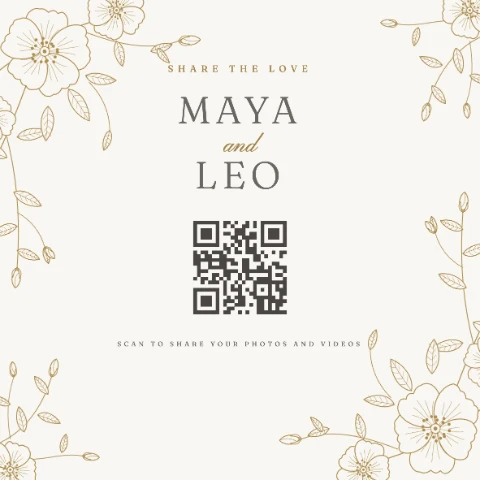
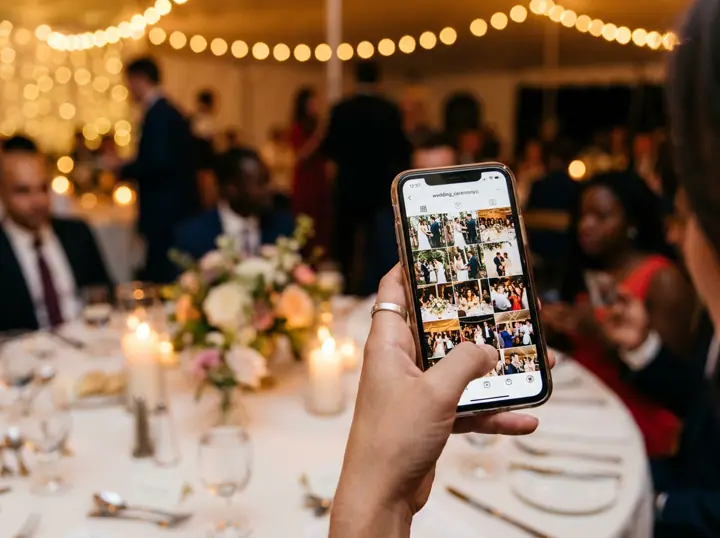
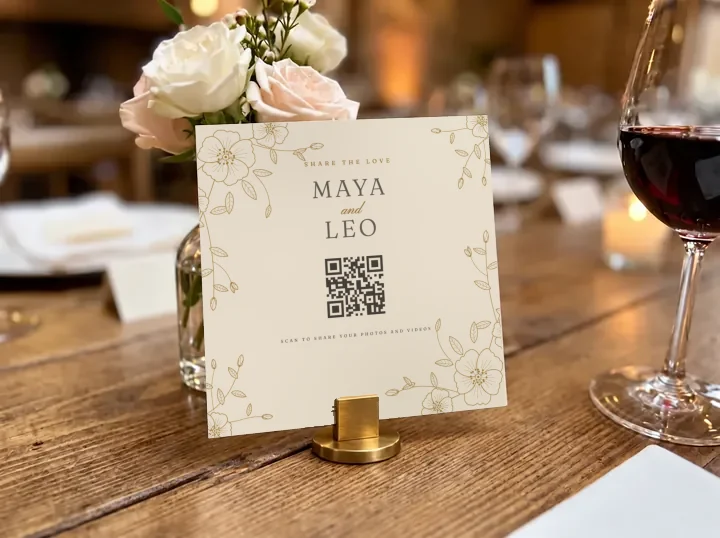
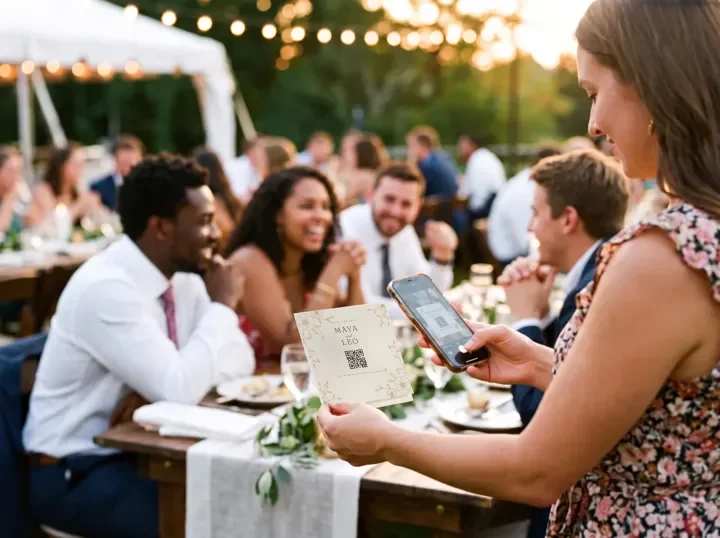
Your gallery has its own QR code. Guests point their phone camera at it, your private gallery opens in the browser, and they add photos and videos from their camera roll or take new ones. Everything lands in one gallery that you can download in original quality.
Can guests upload videos as well as photos?
Yes. Guests add photos and videos together from a supported iPhone or Android browser, and you can download the original files.
Where should we put the QR code at our wedding?
On every guest table, plus the bar, the guest book and anywhere guests wait with their phones. Ask your MC to mention it once after the speeches, and share the same link in your group chat for photos added after the day.
Who can see our wedding photos?
Only people with your private link or QR code. You can turn on review mode so uploads wait for your approval before other guests see them, and reset the link at any time.
Can guests add photos after the wedding day?
Yes. Guests and the couple can add photos and videos until three calendar months after the wedding. Couples can close and reopen guest uploads within that window. Viewing and downloads stay available until 12 months after the wedding.
Why not use a shared Google Drive or a WhatsApp group?
Both work, with trade-offs. WhatsApp compresses photos and videos, and Drive or Google Photos can ask guests to sign in. FrameAmour keeps the originals, needs no guest account, sorts uploads by your wedding programme and lets you approve photos before they appear.
How do albums follow our wedding programme?
Upload a clear photo or PDF of your printed wedding programme in Albums. Check and amend the detected events and timings, confirm the wedding date and venue timezone, then create your albums automatically with those timings. Photos and videos with usable capture times sort into the matching album, even when uploaded later. Files without a reliable matching time stay in Wedding day. You can amend albums and move files yourself; manual album creation is also available. All moments shows the complete collection. Scanning supports JPG, PNG, WebP or PDF up to 8 MB and three pages, and works best with clear printed English text.
Can guests choose an album?
Yes. Automatic organisation is the default, and guests can optionally choose an album for their upload batch. The couple can move files between albums afterward.
What are missing moment requests?
Post requests inside your gallery, such as asking for first dance videos. Guests see your requests and can add what they captured. Requests do not automatically send messages or emails to guests.
Can guests like our photos and videos?
Yes. Open a photo or video and tap the heart. The count updates, and guests can tap again to remove their own heart. Guests do not need an account. Hearts remain available when comments are switched off; blocked guests cannot add hearts.
Can we control photos and comments?
Yes. Review mode lets you approve uploads and comments before other guests see them. You can remove comments, turn comments off, close guest uploads, block a guest or reset your invitation links.
Can we download the original photos and videos?
Yes. Download your originals individually or export the collection, then keep copies wherever you choose. For a format without a supported viewing copy, the original download is the fallback.
How long is our gallery available?
Until 12 months after your wedding, with the option to buy another year during the final 30 days before expiry. Your account shows the price for your full purchased allowance. We send expiry reminders. Uploads close three calendar months after the wedding. Without renewal, viewing and downloads close at expiry and active gallery media is deleted within 30 days afterward.
Can we set up before the wedding?
Yes. After payment, add your names and wedding date, upload your programme to create albums, and download your QR card. You can test the guest experience in paid preview. Full activation starts automatically 14 days before your wedding once its date is set, or immediately if you are already within that window.
Is there a money-back guarantee?
Yes. You can ask for a full refund for any reason within 14 days of your payment. See the terms for how to request it.
How much will we pay?
US$79 once, including applicable tax. There is one wedding gallery offer, with no automatic charges. Your bank may apply its own currency conversion or other fees.
Can we change our wedding date?
Contact support for your permitted date change. Your wedding must remain within 18 calendar months of the original purchase. Changing the date does not restart activation or refund eligibility.
How do we get help?
Email hello@frameamour.com. We aim to send a first reply within one business day, Monday to Friday, Dubai time.



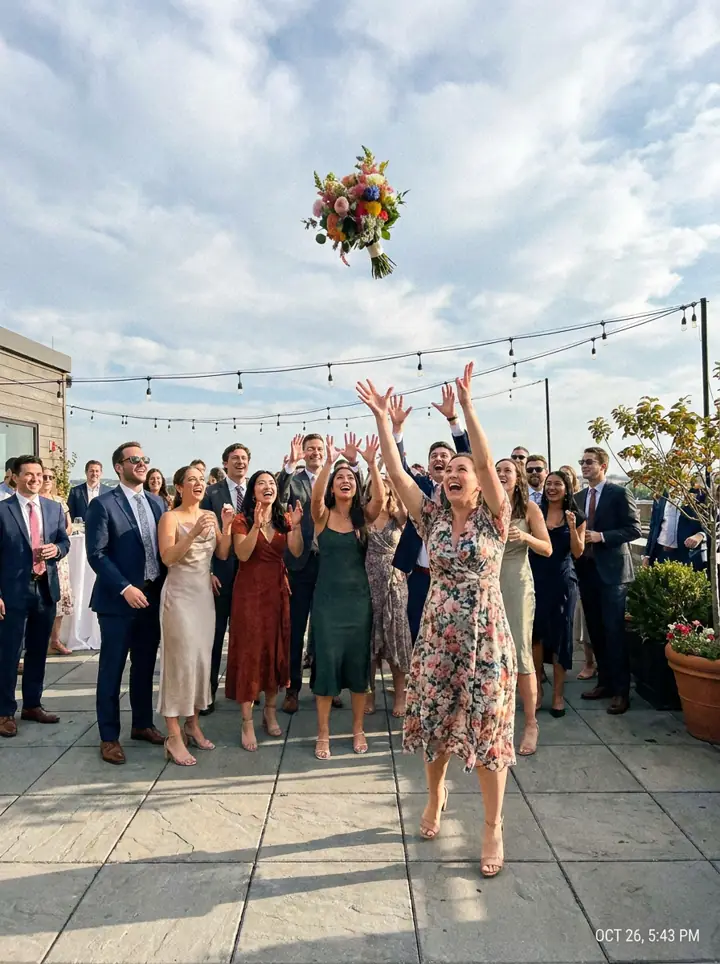


Look at that catch!