Short answerShare through a private gallery that only people with your link can see, not through public posts or a hashtag. Turn on review mode if you'd like to approve photos before other guests see them, ask guests not to post publicly, and reset the link if it ends up somewhere it shouldn't.
Three levels of sharing
| Who sees it | Good for | |
|---|---|---|
| Public posts and hashtags | Anyone on the internet | The handful of photos you choose to share publicly |
| Group chats | Everyone in the chat, and anyone they forward to | Quick sharing on the day; not for originals |
| Private gallery | Only people with your link | Collecting and keeping everything |
Why privacy matters at weddings
- Children. Many parents don't want their children's photos online.
- Family wishes. Some families prefer weddings stay private, for cultural or personal reasons.
- Guests' own lives. A guest may not want an employer or ex to see where they were.
- Unflattering moments. Late-night photos are funnier among friends than in public.
Children at the wedding
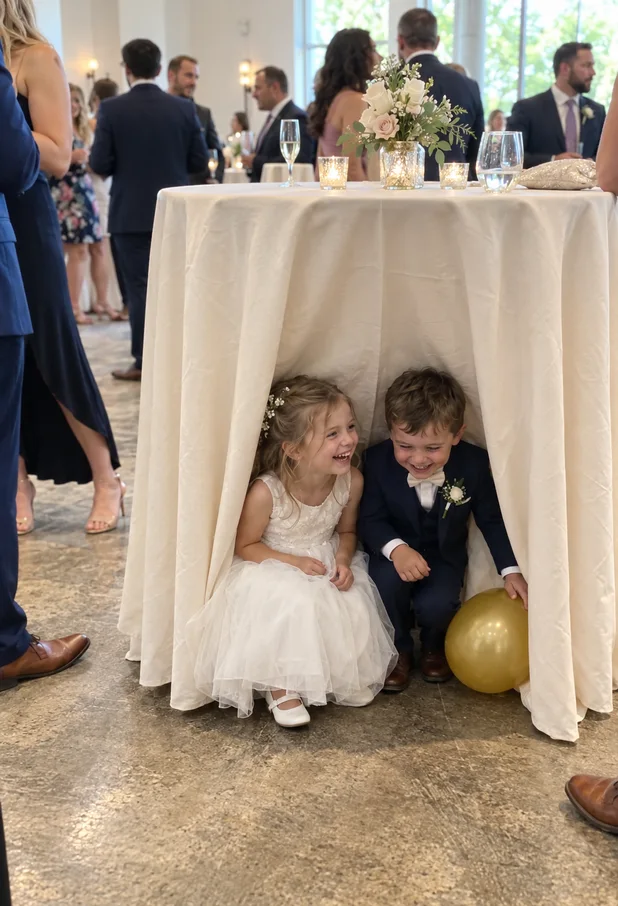
Children are often the most photographed guests, and their parents are often the most careful about where those photos go. A few simple steps help:
- Ask parents beforehand if they're happy for photos of their children to be shared with other guests.
- Use review mode so you can hold back any photo of a child before other guests see it.
- Never post children publicly without their parents' agreement.
- Remove photos quickly if a parent asks.
Why group chats aren't really private
A group chat feels private, but anything shared there can be saved, screenshotted and forwarded to people outside it in seconds. Big wedding groups often include guests' partners, friends of friends and people added along the way. They're great for quick updates on the day. For the full collection, a gallery you control is safer: you can see what's in it, remove things, and reset the link if you need to.
How to keep it private, step by step
- Say it on the invitation: "We're keeping our day offline. Please share photos with us privately rather than posting them." See wording ideas.
- Give a private place to share, such as a gallery link and QR code, so guests don't post just to share with you.
- Turn on review mode if you'd like to see photos before other guests do.
- Moderate comments, or switch them off.
- Remove anything someone asks you to, kindly and quickly.
- Reset the link if it's been shared more widely than you'd like.
FrameAmour's privacy controls
- Private by default: only people with your link or QR code can see the gallery.
- Review mode: uploads and comments wait for your approval before other guests see them.
- Comments: review, remove or turn them off.
- Block a guest or close uploads at any time.
- Reset your invitation link: the old link stops working.
- Guests can stay anonymous, without an account or email address.
Questions to ask before choosing a gallery
Not every photo-sharing service treats privacy the same way. Before you choose one, check:
- Who can see the photos? Anyone with the link, only signed-in guests, or the public?
- Can you approve uploads before other guests see them?
- Can you remove photos and comments, and block someone if needed?
- Can you change the link if it's shared too widely?
- Do guests have to create an account or give an email address?
- How long are the photos kept, and what happens to them afterwards?
With FrameAmour, the gallery is private to people with your link, and you can approve, remove, block and reset. Guests don't need an account. Uploads close three calendar months after the wedding. Viewing and downloads stay available for 12 months after the wedding and can be extended; after gallery expiry, access closes and the media is deleted within 30 days.
Wording for your invitation and cards
Our wedding is a private celebration 💛 Please don't share photos on social media. We'd love you to add them to our private album instead: scan the code on your table.
Photos welcome, posting not Please share your photos with us here rather than online. Thank you for helping us keep our day just for us.
Balancing privacy and sharing
Privacy doesn't mean nobody sees anything. Most couples want guests to enjoy each other's photos, as long as it stays among the people who were there. A private gallery does exactly that: everyone at the wedding can see and add to it, and nobody else can.
See how FrameAmour works, or compare hashtags and QR codes.